
Topaz Labs Review 2026
Introduction to Topaz Labs AI
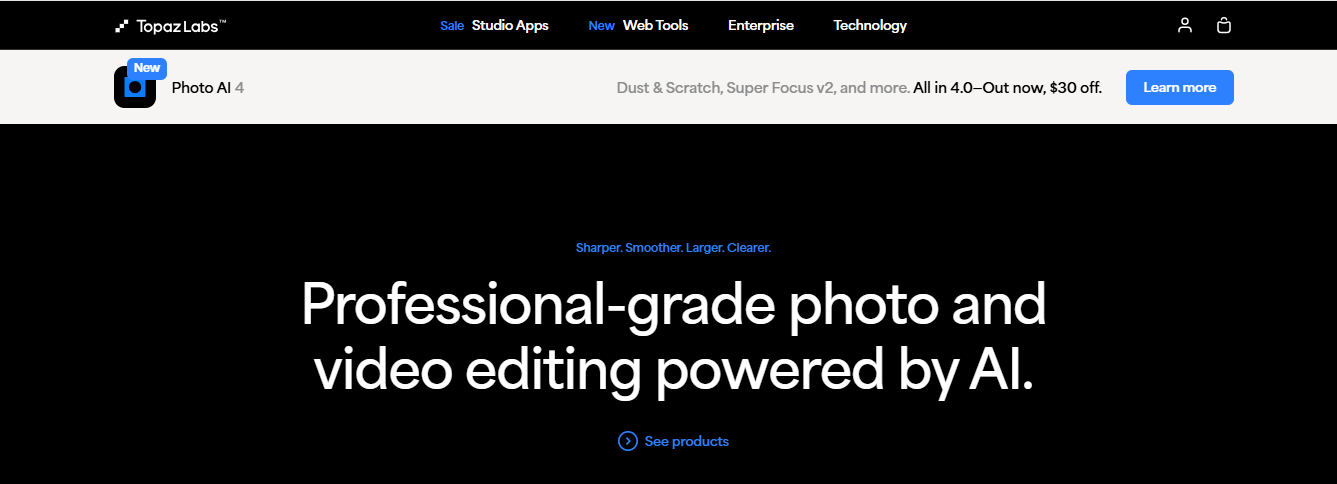
Topaz Labs is a leading AI-powered photo and video enhancement software suite designed for photographers, videographers, and creatives. Their tools leverage deep learning and artificial intelligence to upscale images, reduce noise, sharpen details, and enhance overall quality. Upscaling pairs with editing and stock footage, so see the other eight video tools we review.
But is Topaz Labs better than Photoshop? Does it live up to the hype? In this Topaz Labs review, we’ll explore its features, pricing, pros, cons, and real-world performance.
Topaz Labs AI Products Overview
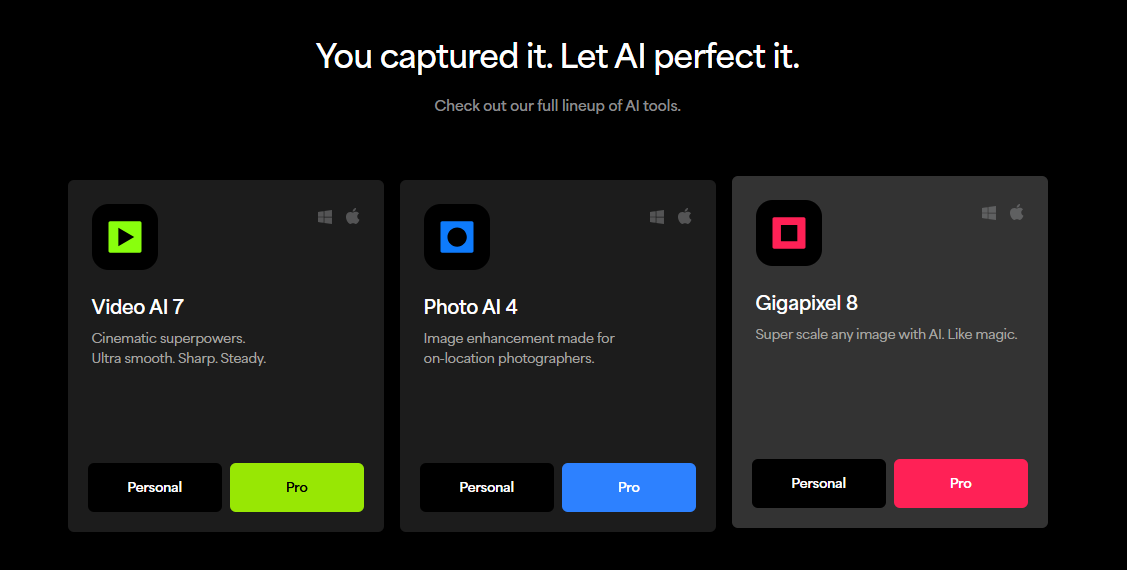
Topaz Labs offers several AI-driven tools, each specializing in different aspects of image and video enhancement:
Product | Key Feature | Best For |
Topaz Photo (formerly Photo AI) | Auto image enhancement & sharpening | Photographers, Retouchers |
Topaz Gigapixel | AI-powered image upscaling (up to 600%) | Print media, Old photo restoration |
Topaz DeNoise AI (legacy) | Advanced noise reduction (discontinued; now built into Topaz Photo) | Low-light & high-ISO photography |
Topaz Sharpen AI (legacy) | Intelligent sharpening (discontinued; now built into Topaz Photo) | Blurry image correction |
Topaz Video (formerly Video AI) | Video upscaling & stabilization | Videographers, Filmmakers |
Topaz Labs Pricing 2026
Topaz Labs is now subscription-only. Perpetual (one-time) licences were discontinued in October 2025; owners of the older Photo AI, Gigapixel AI and Video AI licences can keep using those versions, but they no longer get model updates.
| Plan | Annual | Monthly (annual commitment) | Month-to-month |
|---|---|---|---|
| Topaz Gigapixel | $149/yr | $19/mo | $29/mo |
| Topaz Photo | $199/yr | $25/mo | $39/mo |
| Topaz Video | $299/yr | $39/mo | $59/mo |
| Topaz Studio (all apps, personal) | $399/yr | $45/mo | $69/mo |
| Topaz Studio Pro (full commercial use) | $799/yr | $79/mo | – |
Pro (commercial) licences for single apps cost $499/yr (Gigapixel), $599/yr (Photo) and $699/yr (Video). Personal plans allow limited commercial use for organisations under $1M annual revenue.
Prices checked on topazlabs.com in September 2026; they change with promotions. All prices in USD.
Topaz Labs Photo AI Review – Key Features
1. AI-Powered Auto Enhancements
Topaz Photo (formerly Photo AI) automatically detects and fixes common issues like noise, blur, and low resolution. It’s a huge time-saver compared to manual editing in Photoshop.
2. Super Resolution with Gigapixel AI
Gigapixel AI can upscale images up to 600% without losing quality—ideal for printing or restoring old photos.
3. Advanced Noise Reduction (Denoise AI)
Denoise AI removes grain and noise while preserving details, making it better than Lightroom for high-ISO images.
4. Smart Sharpening (Sharpen AI)
Unlike traditional sharpening tools, Sharpen AI intelligently corrects motion blur and soft focus.
Pros & Cons of Topaz Labs AI
Pros:
Superior AI-powered enhancements (better than most Photoshop filters)
One-click fixes save hours of manual editing
Flexible plans – buy single apps from $149/yr or all apps with Topaz Studio
Great for upscaling low-res images (Gigapixel AI is unmatched)
Works as a standalone app or plugin (compatible with Lightroom & Photoshop)
Cons:
High system requirements (needs a powerful GPU)
Steep learning curve for beginners
Expensive if buying multiple tools separately
Occasional over-processing (AI can sometimes over-sharpen)

Is Topaz Labs Better Than Photoshop?
While Photoshop is the industry standard for versatile editing, Topaz Labs specializes in AI-driven enhancements. Here’s a quick comparison:
Feature | Topaz Labs AI | Adobe Photoshop |
AI Enhancements | ✅ Superior | ❌ Limited (Needs plugins) |
Upscaling | ✅ Best in class | ❌ Mediocre |
Noise Reduction | ✅ Excellent | ⚠️ Good (with plugins) |
Price | 💲 Subscription (from $149/yr per app) | 💲 Subscription-based |
Ease of Use | ⚠️ Moderate learning curve | ⚠️ Steeper learning curve |
Verdict: If you need AI-powered enhancements, Topaz Labs wins. For full creative control, Photoshop is better.
Is Topaz AI Safe? (Privacy & Performance)
✅ Yes, Topaz AI is safe—it processes images locally by default; cloud rendering is optional.
✅ No malware or data leaks reported.
⚠️ Requires a strong GPU—older systems may struggle.
Topaz Labs FAQs
1. Is Topaz Labs worth it in 2026?
Yes, if you need AI-powered photo enhancements. It’s a game-changer for photographers.
2. Does Topaz Labs work with Lightroom?
Yes, it integrates as a plugin with Lightroom, Photoshop, and Capture One.
3. Can Topaz AI replace Photoshop?
No, but it complements Photoshop by automating complex edits.
4. Is Topaz Gigapixel better than Photoshop’s Super Resolution?
Yes, Gigapixel AI produces sharper and more natural upscaling.
5. Does Topaz Labs offer a free trial?
No. The current apps (Topaz Photo, Gigapixel and Video) have no trial mode. Instead, you can buy a plan and test it for 2 days: if it is not the right fit, Topaz gives a full refund when you contact support within 2 days of purchase.
Final Verdict – Should You Buy Topaz Labs?
If you’re a photographer, retoucher, or videographer, Topaz Labs AI tools can dramatically improve your workflow. While they’re not a full Photoshop replacement, their AI-powered enhancements are unmatched.
Best for:
- Professional photographers
- Print media designers
- Videographers needing upscaling
- Anyone tired of manual noise reduction
Not ideal for:
- Casual users (due to high cost)
- Those with weak PCs
Related Reviews
More from Video & Motion Graphics