

Zencastr Review 2026: Is It the Best Podcast Recording Software?
Zencastr is a leading podcast recording software designed for remote interviews and high-quality audio production. Whether you’re a solo podcaster or hosting multiple guests, Zencastr simplifies the recording process with its intuitive interface and reliable performance.
But is Zencastr the right choice for you? In this detailed Zencastr review, we’ll explore its features, pricing, pros, cons, and alternatives to help you decide.
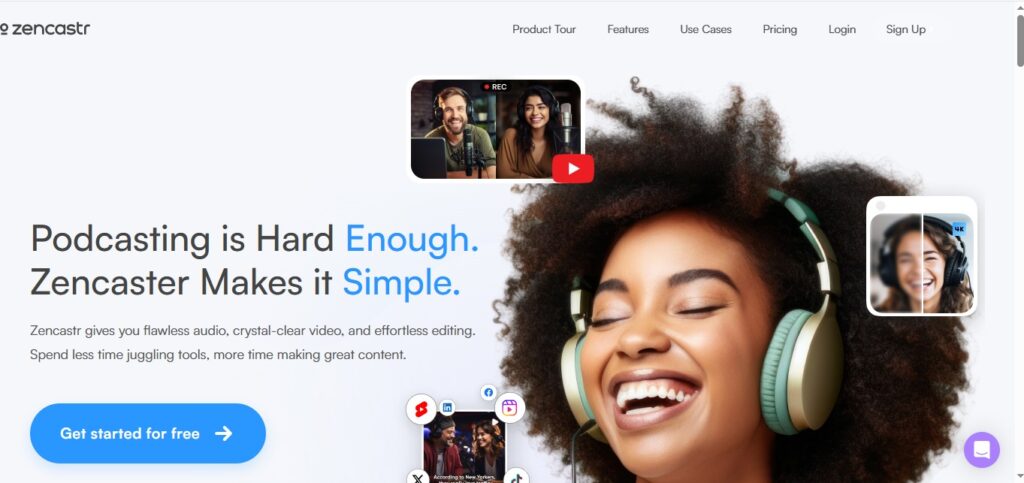
Key Features of Zencastr
Zencastr offers a range of features tailored for podcasters:
✅ High-Quality Audio & Video Recording – Records 48kHz WAV and 44kHz MP3 audio and up to 4K video.
✅ Separate Audio Tracks – Each guest’s audio is recorded locally, avoiding internet-related issues.
✅ Live Monitoring & Editing – Real-time sound checks and post-production editing.
✅ Automatic Post-Production – AI-powered noise reduction, leveling, and mastering.
✅ Cloud Storage & Backup – All recordings are saved securely in the cloud.
✅ Guest-Friendly Interface – No software downloads required for guests.
✅ Multitrack Recording – Perfect for editing individual voices in post-production.
Zencastr Pricing: Is It Affordable?
Zencastr’s official pricing page currently lists two options:
| Plan | Price | Key Features |
|---|---|---|
| Vibecastr (Free) | $0 | 6 participants, unlimited separate audio and video recording and downloads, 48kHz WAV and 44kHz MP3 recording, 4K video (desktop/mobile), unlimited track storage, unlimited transcription hours, 4 seats |
| Enterprise | Custom (talk to sales) | Custom features and limits for larger teams |
Prices checked on zencastr.com in September 2026; they change with promotions.
Verdict: The free Vibecastr plan covers most podcasters, including WAV audio and 4K video recording. Larger teams can talk to Zencastr’s sales team about Enterprise.
Zencastr Pros and Cons
👍 Pros
✔ Superior Audio Quality – Records studio-grade WAV files.
✔ No Software Needed for Guests – Works directly in the browser.
✔ Reliable Cloud Backup – No risk of losing recordings.
✔ Great for Remote Interviews – Handles multiple guests smoothly.
✔ AI-Powered Audio Enhancement – Reduces background noise automatically.
👎 Cons
❌ Few Plan Options – Only the free Vibecastr plan and a custom-priced Enterprise plan are listed on the official pricing page.
❌ Occasional Lag with Many Guests – Performance dips with 5+ participants.
❌ No Mobile App – Browser-only, which can be limiting.
❌ No Built-in Editing Suite – Requires exporting to DAWs like Audacity or Adobe Audition.
Is Zencastr Worth It? Final Verdict
Yes, if:
- You record remote interviews frequently.
- You need high-quality separate audio tracks.
- You want automatic cloud backups.
No, if:
- You need advanced in-app editing.
- You record mostly solo episodes.
- You prefer a mobile-friendly solution.
For professional podcasters, Zencastr is one of the best podcast recording software options available. Beginners can start on the free Vibecastr plan, which already includes WAV audio and 4K video, before comparing alternatives like Riverside.fm or SquadCast.
Zencastr FAQs
1. Is Zencastr free to use?
Yes, Zencastr offers a free plan called Vibecastr: up to 6 participants, unlimited audio and video recording, 48kHz WAV and MP3 files, 4K video and unlimited transcription.
2. Does Zencastr record video?
Yes. Video recording (up to 4K) is included in the free Vibecastr plan.
3. Can I use Zencastr without downloading software?
Yes! Guests can join via browser without any downloads.
4. What’s better: Zencastr or Riverside.fm?
- Zencastr excels in audio quality and simplicity.
- Riverside.fm offers better video recording and editing.
5. Does Zencastr work on mobile?
No, Zencastr is browser-based only and lacks a dedicated mobile app.
Conclusion: Should You Use Zencastr?
Zencastr is a powerful podcast recording software ideal for remote interviews and high-quality audio production. While it has some limitations (no dedicated mobile app, no built-in editing suite), its AI-powered enhancements, cloud backups, and guest-friendly setup make it a top choice for podcasters.
Best for: Remote podcasters, interview-based shows, and those needing multitrack recordings.
Alternatives: Riverside.fm (better video), SquadCast (lower latency), Audacity (free but manual).
Related Reviews
More from Podcasting & Audio