CorelDRAW Review 2026
Corel Software Review: Is It Still a Worthy Adobe Alternative
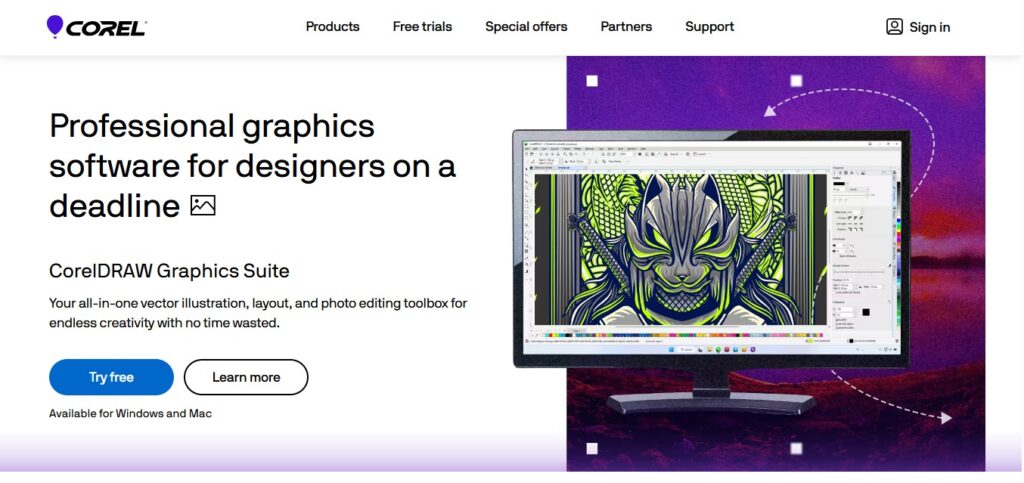
Corel is a software company known for creative tools like CorelDRAW, offering graphic design, photo, video, and office solutions for all skill levels.
What is Corel?
Introduction:
Corel is a leading software company known for its powerful design and productivity tools, including CorelDRAW, PaintShop Pro, and WordPerfect. Founded in 1985, it offers affordable, user-friendly alternatives to Adobe’s creative suites, catering to professionals and hobbyists alike.
Corel Features
Key Features of Corel Products
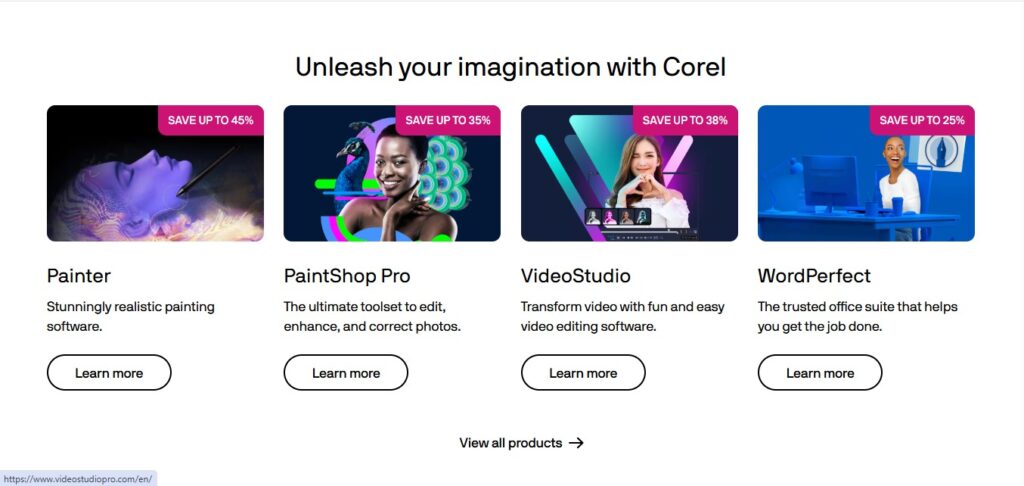
✔ CorelDRAW Graphics Suite – Vector drawing, layout design, and typography software.
✔ PaintShop Pro – Professional photo editing with AI-based features.
✔ WordPerfect Office – Microsoft Office alternative with strong word processing.
✔ VideoStudio – Easy-to-use video editing software.
✔ Parallels Toolbox – Productivity improvement utility software.
Q1. Why is Corel a Trustworthy Brand?
Corel has built a solid reputation over the years, and for good reason! With a rich history dating back to 1985, they’ve established themselves as a leader in the creative software industry. Here are a few reasons why Corel stands out:
- Proven track record: Decades of experience in developing top-notch software, including the iconic CorelDRAW, a popular alternative to Adobe Illustrator.
- Global reach: Millions of users worldwide, from professionals to students and hobbyists, trust Corel’s tools for graphic design, photography, technical illustration, and more.
- Professional-grade tools: Corel’s software, like PaintShop Pro and CorelDRAW Technical Suite, is designed to deliver high-quality results and meet the needs of demanding users.
- Ongoing support: Whether you’re a subscription-based user or prefer a one-time purchase, Corel provides regular updates, ensuring you stay up-to-date with the latest features and security patches.
- Data protection: Corel takes data security seriously, complying with international regulations like GDPR and offering secure payment options.
- Trusted by the best: Corporations, governments, and educational institutions around the world rely on Corel’s software, a testament to its quality and reliability.
Overall, Corel’s commitment to innovation, customer satisfaction, and data security makes it a trustworthy brand in the creative software industry.
CorelDRAW Pros and Cons
Pros & Cons:
✅ Pros:
✅ Strong Design Tools – CorelDRAW is a major competitor to Adobe Illustrator.
✅ Cost Savings – Frequently less expensive than Adobe’s Creative Cloud.
✅ One-Time Purchase Option – In contrast to Adobe’s subscription option, some Corel products have perpetual licenses.
✅ Easy-to-Use Interface – Most tools are easy to use for newbies.
✅ Robust File Compatibility – Most file types are compatible.
❌ Cons:
❌ Less Industry Standard – Adobe is still the de facto in most creative industries.
❌ Limited Integration with the Cloud – Does not have a seamless cloud like Adobe.
❌ Infrequent Performance Lag – A few users mention lag with feature-rich projects.
❌ Smaller Community of Users – Fewer tutorials/resources than Adobe.
CorelDRAW Graphics Suite Pricing
| Option | Price | What you get |
|---|---|---|
| Annual subscription | $269 per year | CorelDRAW Graphics Suite 2026 with updates included |
| One-time purchase | $549 | Perpetual licence for one version, no future upgrades |
US pricing, checked September 2026. Regional pricing differs.
CorelDRAW FAQs
1. What is CorelDRAW for?
CorelDRAW is vector graphic design software for logo making, illustrations, page layout, typography, and print/digital media work.
2. Is Corel free to use?
No, Corel software isn’t free, but it has free trials (e.g., CorelDRAW, PaintShop Pro). Certain tools such as CorelDRAW Essentials are cheaper for starters.
3. How to work CorelDRAW?
- Install & run CorelDRAW
- Use pen/bezier tools for vector shapes
- Apply colors, effects, and text
- Export in AI, PDF, SVG, or PNG formats
- Tutorials on Corel’s website & YouTube.
4. Is CorelDRAW simple to learn?
Yes, if you have basic design principles. It has a user-friendly interface, but it takes practice to master advanced tools (such as node editing).
5. Photoshop or CorelDRAW: which is best?
- Photoshop → Ideal for photo editing & raster (pixel-based) graphics.
- CorelDRAW → Ideal for vector graphics, logos, and layouts.
- They have different functions; most designers make use of both.
6. Is Corel Painter suitable for beginners?
- Yes, if you’re after digital painting & natural media effects. But it’s better for artists than recreational users because of its specialty brushes.
7. What is Corel best for?
Corel is ideal for:
✔ Vector graphics (CorelDRAW)
✔ Photo editing (PaintShop Pro)
✔ Digital painting (Corel Painter)
✔ Office productivity (WordPerfect)
✔ Adobe alternatives on a budget.
Final verdict:
Corel offers powerful, affordable alternatives to Adobe for creative work like design and photo editing. While not as widely used as Adobe, it’s perfect for budget-conscious professionals and small teams needing pro tools without subscriptions.

Related Reviews
More from Design & 3D