
topaz labs review

Topaz Labs Review


Introduction to Topaz Labs AI

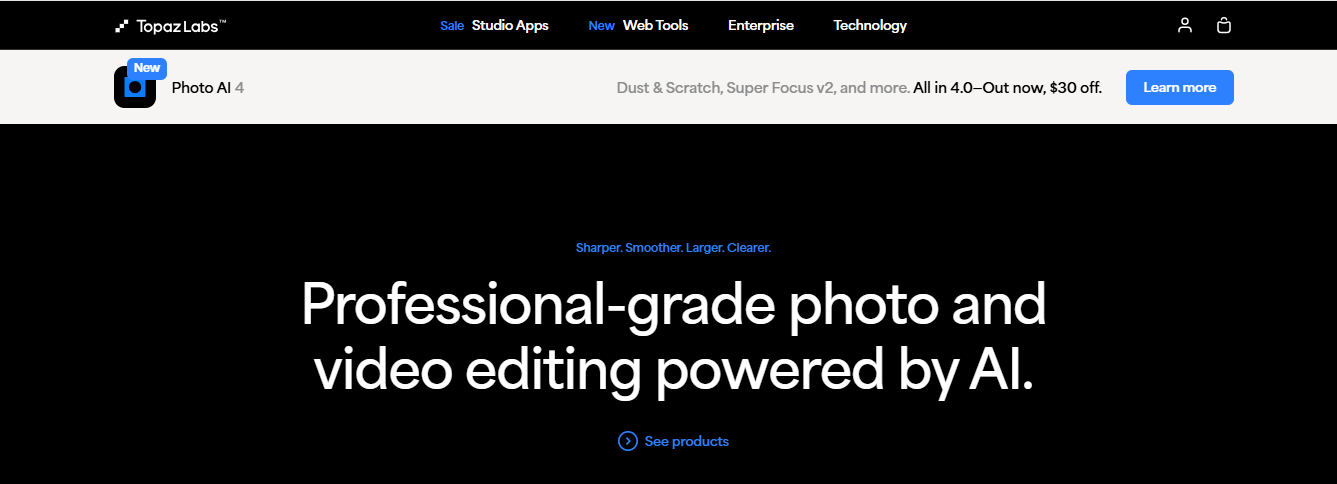
Topaz Labs is a leading AI-powered photo and video enhancement software suite designed for photographers, videographers, and creatives. Their tools leverage deep learning and artificial intelligence to upscale images, reduce noise, sharpen details, and enhance overall quality.

But is Topaz Labs better than Photoshop? Does it live up to the hype? In this Topaz Labs review, we’ll explore its features, pricing, pros, cons, and real-world performance.

Topaz Labs Review

Topaz Labs AI Products Overview

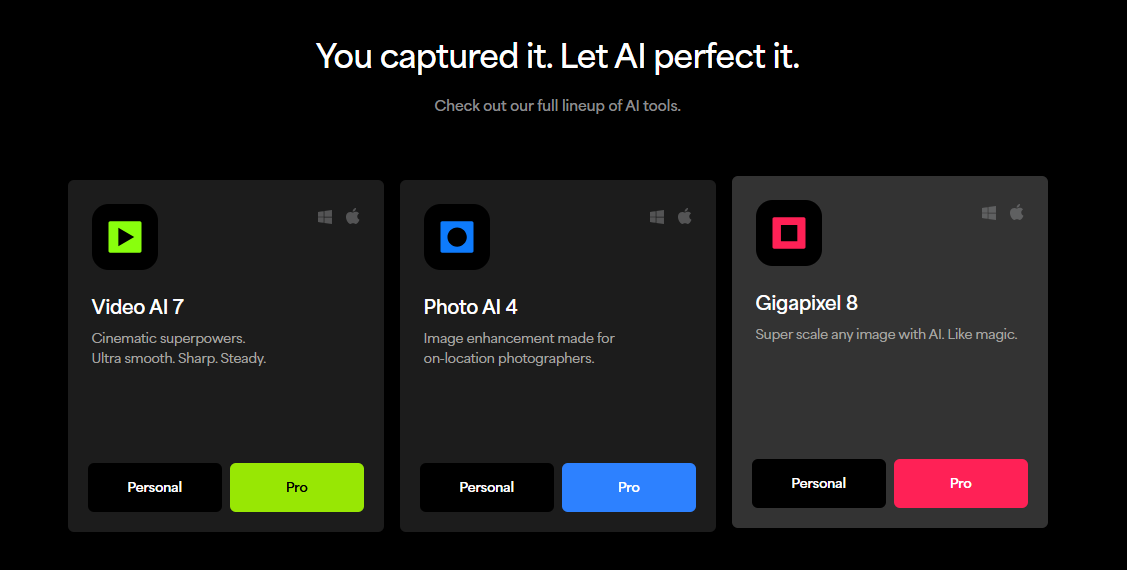
Topaz Labs offers several AI-driven tools, each specializing in different aspects of image and video enhancement:

Product

Key Feature

Best For

Topaz Photo AI

Auto image enhancement & sharpening

Photographers, Retouchers

Topaz Gigapixel

AI-powered image upscaling (up to 600%)

Print media, Old photo restoration

Topaz Denoise AI

Advanced noise reduction

Low-light & high-ISO photography

Topaz Sharpen AI

Intelligent sharpening

Blurry image correction

Topaz Video AI

Video upscaling & stabilization

Videographers, Filmmakers

Topaz Labs Photo AI Review – Key Features

1. AI-Powered Auto Enhancements

Topaz Photo AI automatically detects and fixes common issues like noise, blur, and low resolution. It’s a huge time-saver compared to manual editing in Photoshop.

2. Super Resolution with Gigapixel AI

Gigapixel AI can upscale images up to 600% without losing quality—ideal for printing or restoring old photos.

3. Advanced Noise Reduction (Denoise AI)

Denoise AI removes grain and noise while preserving details, making it better than Lightroom for high-ISO images.

4. Smart Sharpening (Sharpen AI)

Unlike traditional sharpening tools, Sharpen AI intelligently corrects motion blur and soft focus.

Topaz Labs Review

Pros & Cons of Topaz Labs AI

✅ Pros:

✔ Superior AI-powered enhancements (better than most Photoshop filters)
✔ One-click fixes save hours of manual editing
✔ No subscription – one-time purchase (unlike Adobe)
✔ Great for upscaling low-res images (Gigapixel AI is unmatched)
✔ Works as a standalone app or plugin (compatible with Lightroom & Photoshop)

❌ Cons:

✖ High system requirements (needs a powerful GPU)
✖ Steep learning curve for beginners
✖ Expensive if buying multiple tools separately
✖ Occasional over-processing (AI can sometimes over-sharpen)

 Is Topaz Labs Better Than Photoshop?

While Photoshop is the industry standard for versatile editing, Topaz Labs specializes in AI-driven enhancements. Here’s a quick comparison:

Feature

Topaz Labs AI

Adobe Photoshop

AI Enhancements

✅ Superior

❌ Limited (Needs plugins)

Upscaling

✅ Best in class

❌ Mediocre

Noise Reduction

✅ Excellent

⚠️ Good (with plugins)

Price

💲 One-time purchase

💲 Subscription-based

Ease of Use

⚠️ Moderate learning curve

⚠️ Steeper learning curve

Verdict: If you need AI-powered enhancements, Topaz Labs wins. For full creative control, Photoshop is better.

Is Topaz AI Safe? (Privacy & Performance)

Yes, Topaz AI is safe—it processes images locally (no cloud uploads), ensuring privacy.
No malware or data leaks reported.
⚠️ Requires a strong GPU—older systems may struggle.


People Also Ask (PAA) – FAQs

1. Is Topaz Labs worth it in 2025?

Yes, if you need AI-powered photo enhancements. It’s a game-changer for photographers.

2. Does Topaz Labs work with Lightroom?

Yes, it integrates as a plugin with Lightroom, Photoshop, and Capture One.

3. Can Topaz AI replace Photoshop?

No, but it complements Photoshop by automating complex edits.

4. Is Topaz Gigapixel better than Photoshop’s Super Resolution?

Yes, Gigapixel AI produces sharper and more natural upscaling.

5. Does Topaz Labs offer a free trial?

Yes, you can download a free trial before purchasing.


Final Verdict – Should You Buy Topaz Labs?

If you’re a photographer, retoucher, or videographer, Topaz Labs AI tools can dramatically improve your workflow. While they’re not a full Photoshop replacement, their AI-powered enhancements are unmatched.

Best for:

  • Professional photographers
  • Print media designers
  • Videographers needing upscaling
  • Anyone tired of manual noise reduction

Not ideal for:

  • Casual users (due to high cost)
  • Those with weak PCs